§ Command Line Interface (CLI)
freki --help
§ Flags
| Flag Name | Description |
|---|---|
|
The directory to build from. Defaults to the |
|
For now an additional directory to build from. In the future it might be more like a public directory. Defaults to the |
|
The directory to build to. Defaults to the |
|
Markdown flavor [ |
|
The site title. Defaults to Freki |
|
The base URL (path segment) where the documentation will be served from. |
|
HTML template. Defaults to the |
|
Configuration file. Defaults to the |
§ Priority
- frontmatter
- args
- config
- defaults
§ Global Config
The ~/.config/freki directory can used to store global defaults by adding a freki-template.html file and/or assets/ directory.
§ Build Site
§ Basic
To build the most bare bones site only the following is needed.
- A
./docsdirectory. - A
/docs/index.mdfile.
mkdir ./docs
echo "# Hello world." > ./docs/index.md
docs
└── index.md
Running freki will generate the site to the ./html-docs directory.
html-docs
└── index.html
<!DOCTYPE html>
<html
  lang="en"
  class="dark"
  data-theme="dark"
>
  <head>
    <meta charset="UTF-8">
    <meta name="viewport" content="width=device-width, initial-scale=1.0">
    <meta name="generator" content="Freki">
    <title>Freki</title>
  </head>

  <body>
    <header>
      <h1>
        <a href="/">
          Freki
        </a>
      </h1>
    </header>
    <main>
      <article>
        <section>
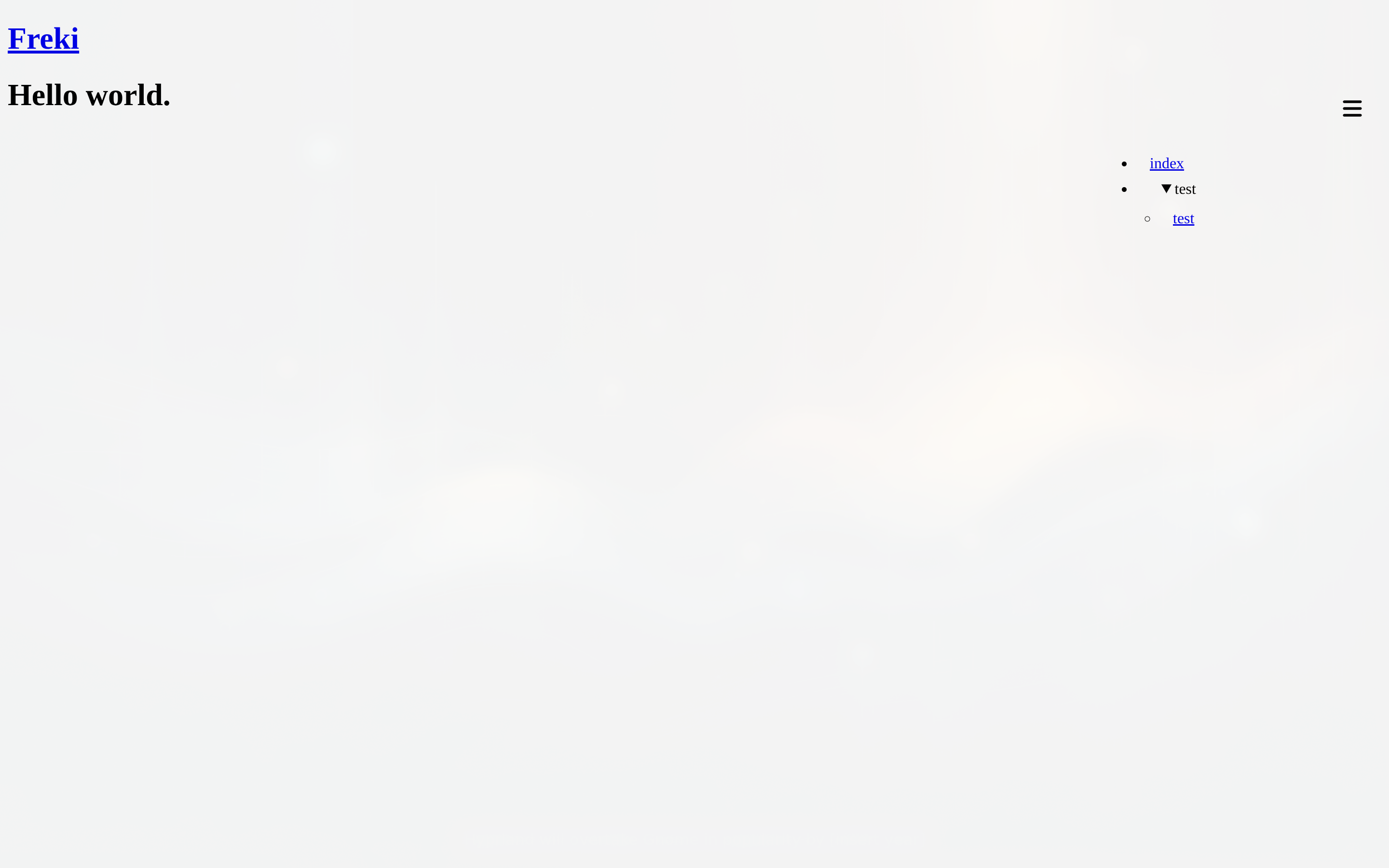
          <h1>Hello world.</h1>
        </section>
      </article>
    </main>
  </body>
</html>
§ Custom Build
-
In the project directory initialize a
freki-template.htmlfile. -
Create a
./custom-docs/directory and add markdown and other files (style, scripts, and images) -
Add additional assets to
./extra-assetsdirectory.project-directory ├── freki-template.html ├── custom-docs │ ├── index.md │ ├── cats.md │ ├── cat.svg │ ├── color.css └── extra-assets ├── mermaid.js └── prism.js -
Run
frekiwith flagsfreki --directory ./custom-docs/ --assets ./extra-assets --output ./custom-siteproject-directory └── custom-site ├── index.html ├── cats │ └── index.html ├── cat.svg ├── color.css ├── mermaid.js └── prism.js